Split Bills App for a Shared Home Repair: Split Parts and Payback
Use a split bills app to sort a shared home repair by parts, labor, and each person's share before anyone pays back.
A split bills app helps roommates or housemates settle a repair without turning one hardware-store receipt into a string of texts. Start with the repair total, separate shared parts from personal upgrades, agree on labor, then send requests people can review before they pay.
Use Clero when the repair needs more than a flat split. You can scan the receipt, check detected items, assign items or let people claim their portions, calculate shares, and keep payment status beside the purchase. A $186 repair can contain a $42 drain part for everyone, $96 labor, and a $48 showerhead upgrade for one roommate. Equal math would not match that agreement.
Quick answer: Keep the original receipt, decide which line items count as shared, and set shares before requests go out. Ask for payment only after everyone can see why their amount is due.
In this guide
- Sort a repair before splitting it
- Work through a $186 example
- Use Clero for parts and payback
- Compare payment and tracking options
- Check common questions
Sort a repair before splitting it
A repair bill has three categories. Shared fixes keep the home usable for everyone, personal upgrades serve one person, and labor may follow either rule. Agree on those categories before you calculate a share.
For example, roommates may split a leaking kitchen-faucet cartridge and service call three ways. If one roommate adds a premium spray head for their own use, that person can cover it. A landlord, lease, warranty, or local law may set separate responsibilities; check those before treating any repair as a roommate expense.
Write down four details while the receipt is open:
- Who paid the store or service provider.
- Which parts and fees are shared.
- Who uses any personal upgrade.
- How the group will split tax, delivery, and labor.
That record prevents a common mistake: dividing the full charge first, then trying to correct it after someone sees an item they did not approve. For another item-level example, see how to split shared dishes and personal extras.
Work through a $186 home repair
Imagine three roommates, Jordan, Casey, and Morgan. Jordan pays $186 to fix a kitchen faucet. They agree that the cartridge, service call, and tax belong to the home. Morgan also chooses a $48 upgraded spray head for personal use.
| Charge | Amount | Who shares it | Share rule |
|---|---|---|---|
| Faucet cartridge | $42 | All three | $14 each |
| Service call | $96 | All three | $32 each |
| Sales tax | $0 | Included above | Match item agreement |
| Spray-head upgrade | $48 | Morgan | Morgan pays $48 |
| Total | $186 | Mixed | Review before requests |
The shared portion is $138. Each roommate’s shared portion is $46: $14 for the cartridge plus $32 for the service call. Jordan paid first, so Casey owes Jordan $46. Morgan owes Jordan $94: the $46 shared portion plus the $48 upgrade. Jordan keeps their own $46 share within the total rather than asking Casey and Morgan to cover it.
This example assumes the group agreed to the numbers. Do not use it as a rule for every repair. A four-person household, a guest room, or an item one roommate damaged can lead to a different agreement.
Use Clero for parts and payback
Keep proof attached to the split
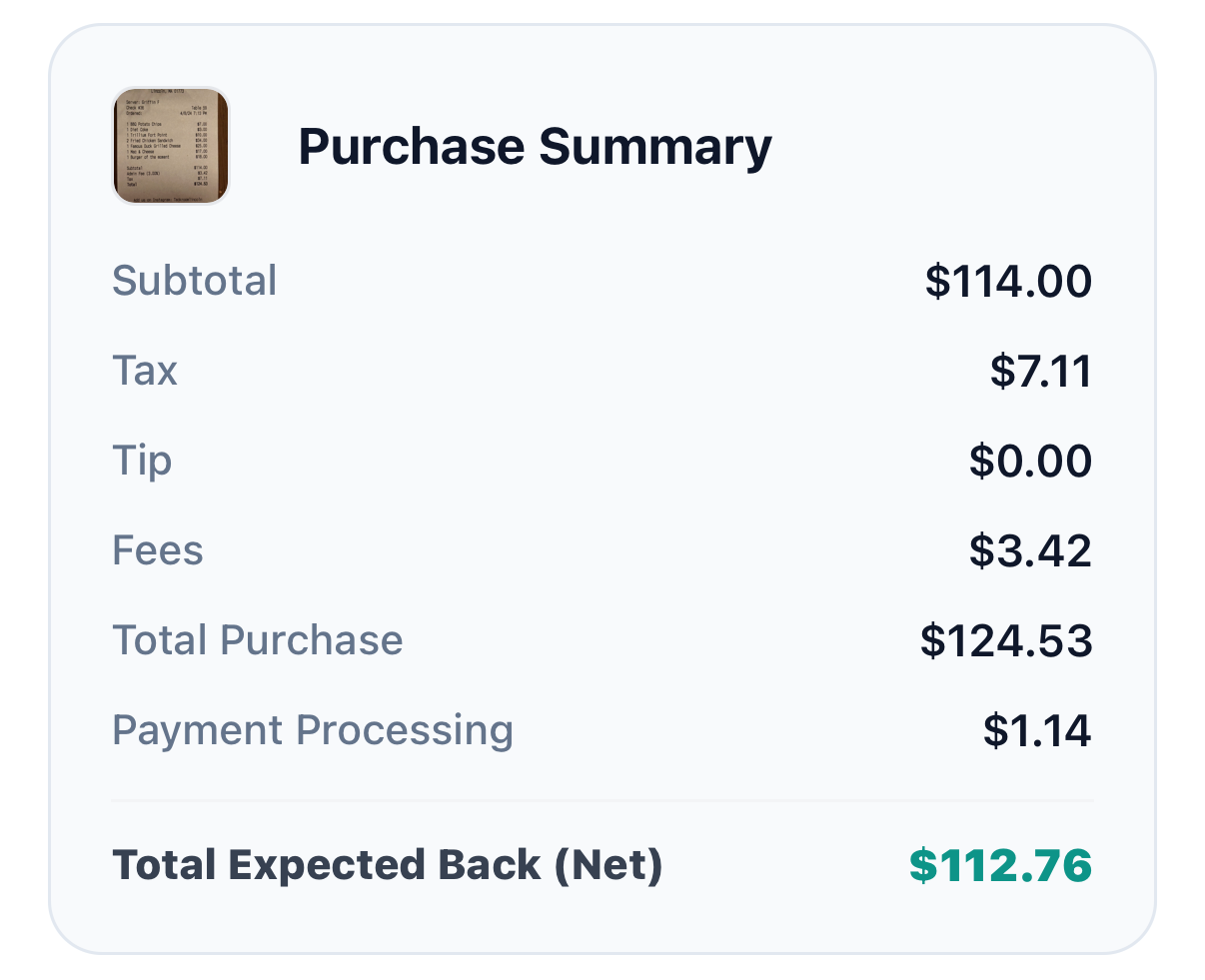
Scan the receipt or share its image or PDF into Clero. Check the detected items against the source before assigning shares. If a store receipt combines a repair part with cleaning supplies, separate them while the purchase is fresh in everyone’s mind.
Clero supports organizer-led assignments and participant-led claims. Jordan can assign the cartridge and service call to all three roommates, then leave a disputed item open for a roommate to claim or discuss. That keeps the agreement tied to the cost instead of hiding it in a payment note.
Request only agreed shares
After the group checks the items, create requests for Casey and Morgan. The person paying can review what they owe, including the receipt context, before payment. For a single agreed amount, Clero also supports one-on-one requests and payments. You do not need a full group flow for a $12 replacement key.
Clero lets people settle clear shares while other people finish their own review. Check request and payment status before sending a reminder. A claimed item shows participation in the split; it does not replace payment confirmation.
For recurring household costs, use a fresh request for each bill or purchase rather than rolling a repair into an unclear running total. The Clero homepage shows the everyday payment and shared-expense flow.
Why not Venmo / Splitwise / Zelle / Cash App for this use case?
1. Where Clero is stronger for this shared-expense workflow
Clero fits a home repair when the group needs a path from proof to shares to payment. The receipt can distinguish a common faucet part from one roommate’s upgrade. Organizers can assign known shares, participants can claim portions, and each person can review a request in the same shared-spending workflow.
Clero also works when a repair is simple. Send a direct request for a known amount, then use receipt and item detail for the next purchase that calls for it. Choose Clero for shared expenses that need context and a payment action, not because another app cannot handle a transfer or a ledger.
2. Where direct-transfer or tracking-first apps fit different jobs
Venmo: A household that already uses Venmo Groups may prefer its existing process. Venmo says Groups let members manage, track, and split expenses, with equal splits that members can edit. That can suit roommates who want to keep an established Venmo group. See Venmo’s Groups guide.
Splitwise: A group focused on a long-running expense record may prefer Splitwise. Splitwise Pro lists receipt scanning, itemization, default splits, charts, and transaction import in select countries. Its free plan and paid plan have different features, so check the current plan before you choose it for a repair workflow. See Splitwise Pro details.
Zelle: For a known $46 reimbursement, people with eligible accounts may prefer Zelle through their bank or credit-union app. Zelle says enrolled users can send, request, and receive money, while each institution sets its limits. Confirm recipient and amount before sending. See Zelle’s usage guide.
Cash App: For a known amount, Cash App supports sending and requesting money by $cashtag, phone number, or email. It can fit a direct reimbursement after roommates agree on the split. Cash App documents different transfer choices and fees, so review the method you select. See Cash App’s payment guide.
Home-repair payback checklist
Before anyone pays:
- Save the receipt and name the repair.
- Mark shared parts, personal upgrades, labor, tax, and delivery.
- Confirm each person’s share in dollars, not only as an equal fraction.
- Create requests after the agreement.
- Check payment status before a reminder or a second request.
For the group chat, try: “I paid $186 for the kitchen-faucet repair. The cartridge and service call are $46 each; Morgan’s spray head adds $48. I added the receipt and requests in Clero so you can check your share before paying.”
Common questions
Should roommates split repair labor equally?
Split repair labor according to the agreement behind the repair. Three roommates may divide a common service call equally, while one roommate may take an added installation charge for a personal upgrade. Check the lease, landlord rules, warranty, and local requirements before creating a private request.
Can I use a split bills app for one roommate?
Yes. Use a direct request when one roommate owes one agreed amount. Use a receipt split when a purchase mixes shared parts, personal items, or several people. Clero supports both paths, so the amount of detail can match the repair.
A split bills app should help your household agree on a repair before money moves. Start your next shared purchase in Clero, keep the receipt with the request, and let each roommate pay a share they can recognize.